Configuration Using WinBox
One of the method, probably the most popular method to configure MikroTik routers or RouterOS devices is using WinBox, a Windows software provided by MikroTik officially.
To start using WinBox, you can download it directly from your MikroTik router by accessing http://192.168.88.1 or your router IP on your favorite browser.
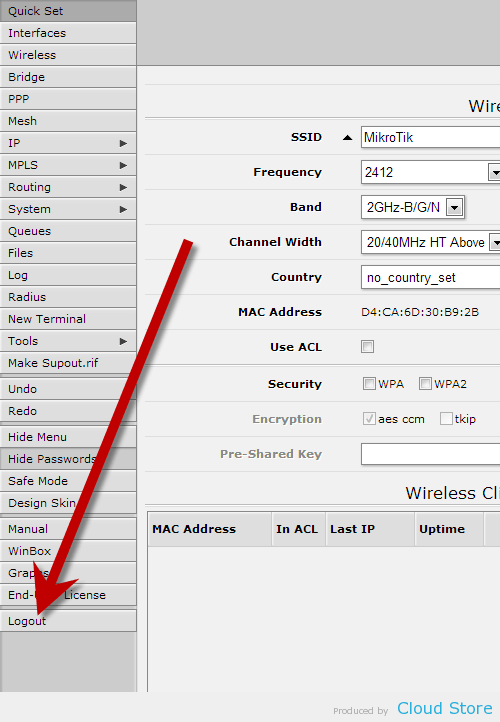
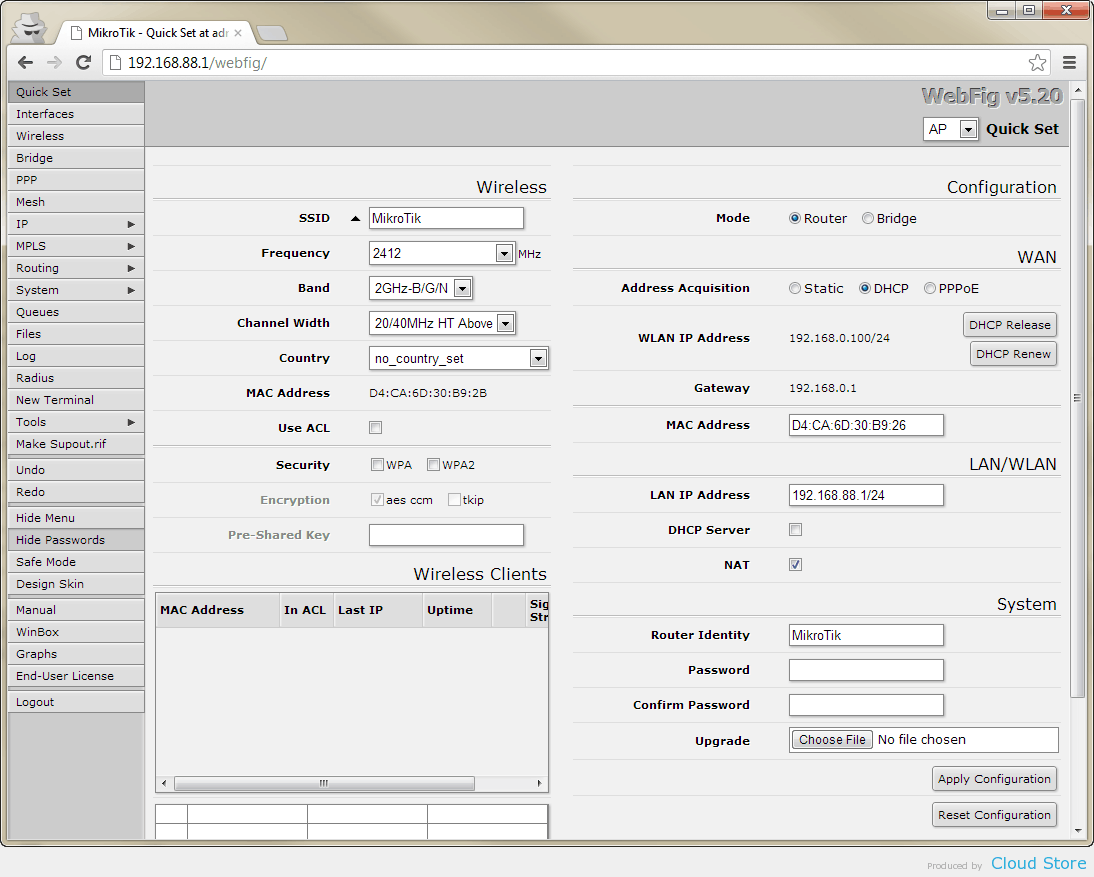 If you come to a page similar to the above, click on “Logout” on the left side menu, as shown below. Otherwise, you can skip this step.
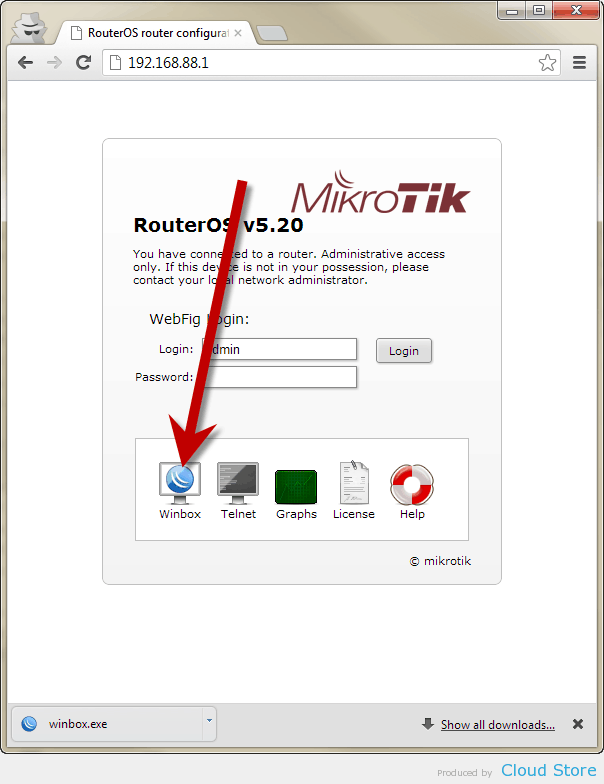
 Now you can download WinBox by clicking on its icon.
 Run WinBox which you downloaded and fill in your router IP, login ID and password. If you have never make change on them, you can follow the values as shown below.
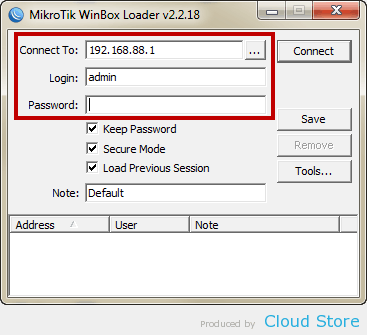 Click on “Connect”.
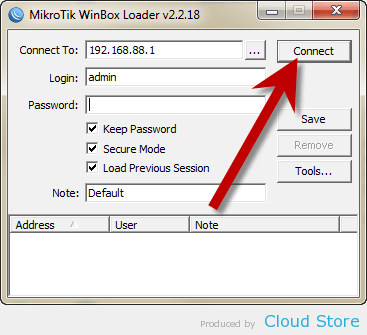 You can start configuring your MikroTik router by using WinBox now.
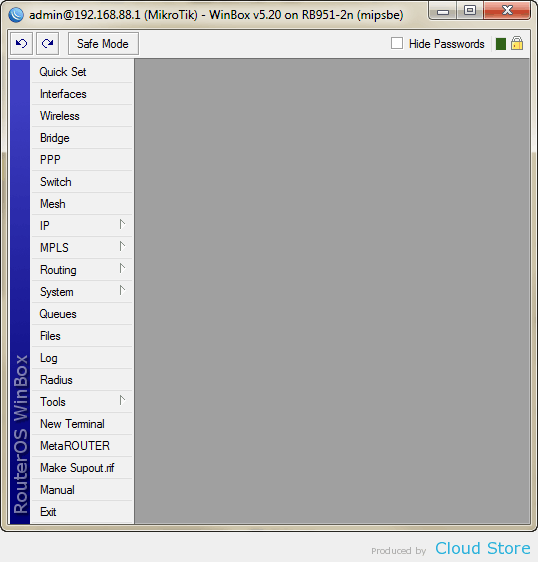 More information can be read at MikroTik Wiki.


Useful article explaining Lotus365 sign up. The registration steps are clear and easy for first-time users.
ReplyDelete