MiKroTik - Session Timeout
While there's a default Session Length on our side of 24 hours there's no direct control of the Session Timeout on the PurplePortal side (as you might with a Firmware installation). This accept of Session control is managed from the RouterOS interface. I
To review this:
Open your Winbox client (to interact with the RouterOS set up) and click
IP -> Hotspot (to bring up the Hotspot parameters
On the Server Tab, Double-Click the Hotspot Server (the one you've set for Purple WiFi) to bring up the review the
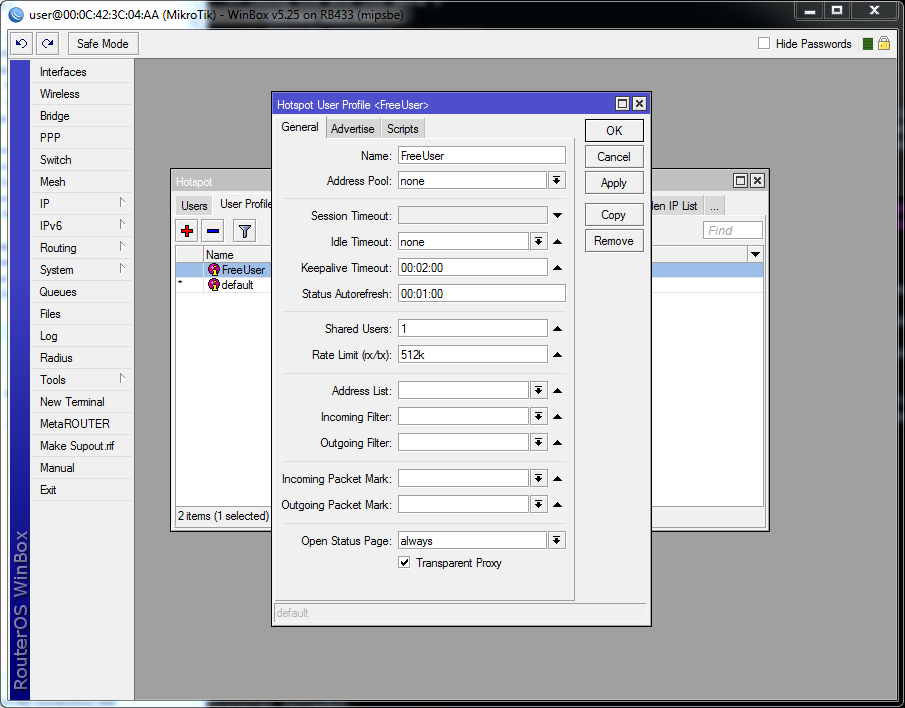
Hotspot Server settings:

To adjust the Session length that the Mikrotik might provide a client connected to the Hotspot, adjust the Keepalive Timout to the desired time (one hour shown here).


Comments
Post a Comment